Creating a business quote takes too long. Most teams use spreadsheets, email threads, and manual formatting. By the time the quote reaches the client, the moment has already passed.
There was no simple tool that let a small business or freelancer build a professional, branded quote in minutes and send it instantly.
Designed a clean web app built on shadcn/ui components. The focus was on speed: open the app, fill in the details, send. No learning curve, no clutter.
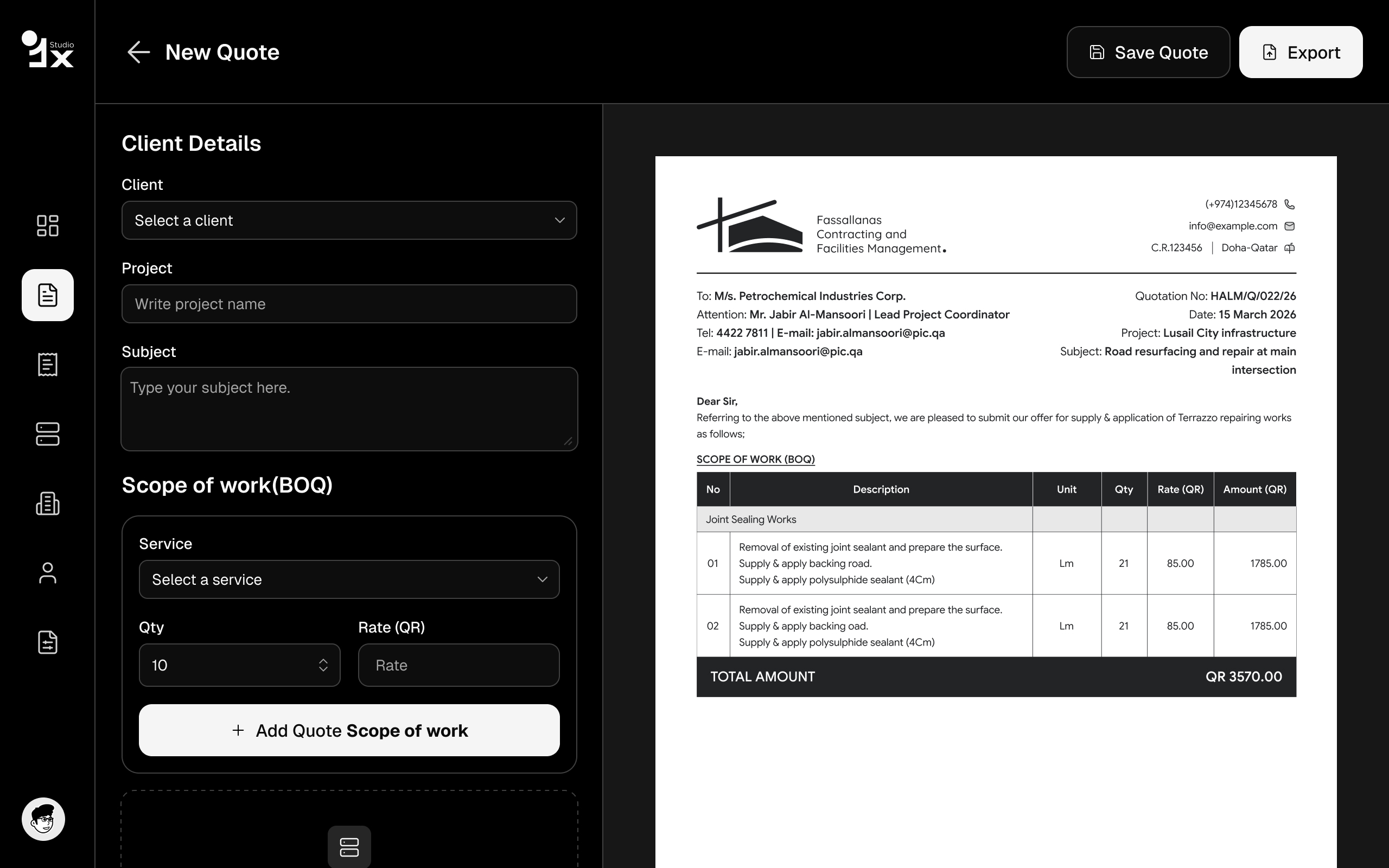
Three core screens: quote builder, preview, and client-facing PDF view. Everything designed to make the user look professional without any design skills required.
Add line items, set prices, and apply your branding in one screen. No tabs, no toggling.
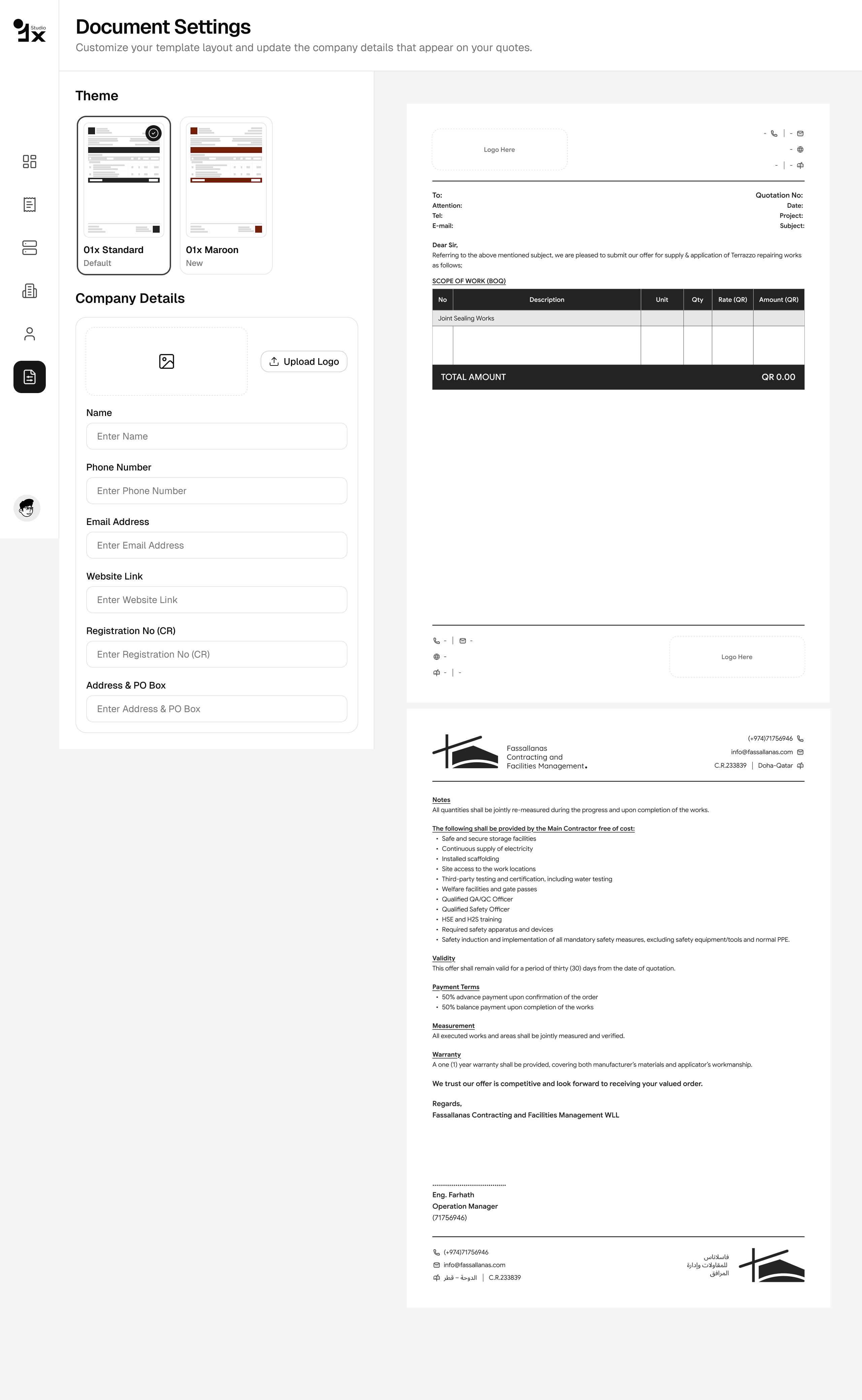
Upload your logo, pick your colours, and every quote looks like it came from a design agency.
One click generates a clean, client-ready PDF. No formatting headaches.
See exactly what your client will see before you send. What you design is what they get.
Know when a quote is sent, viewed, or accepted. No more chasing follow-ups blind.
Save your best quotes as templates. Repeat work becomes a 30-second job.
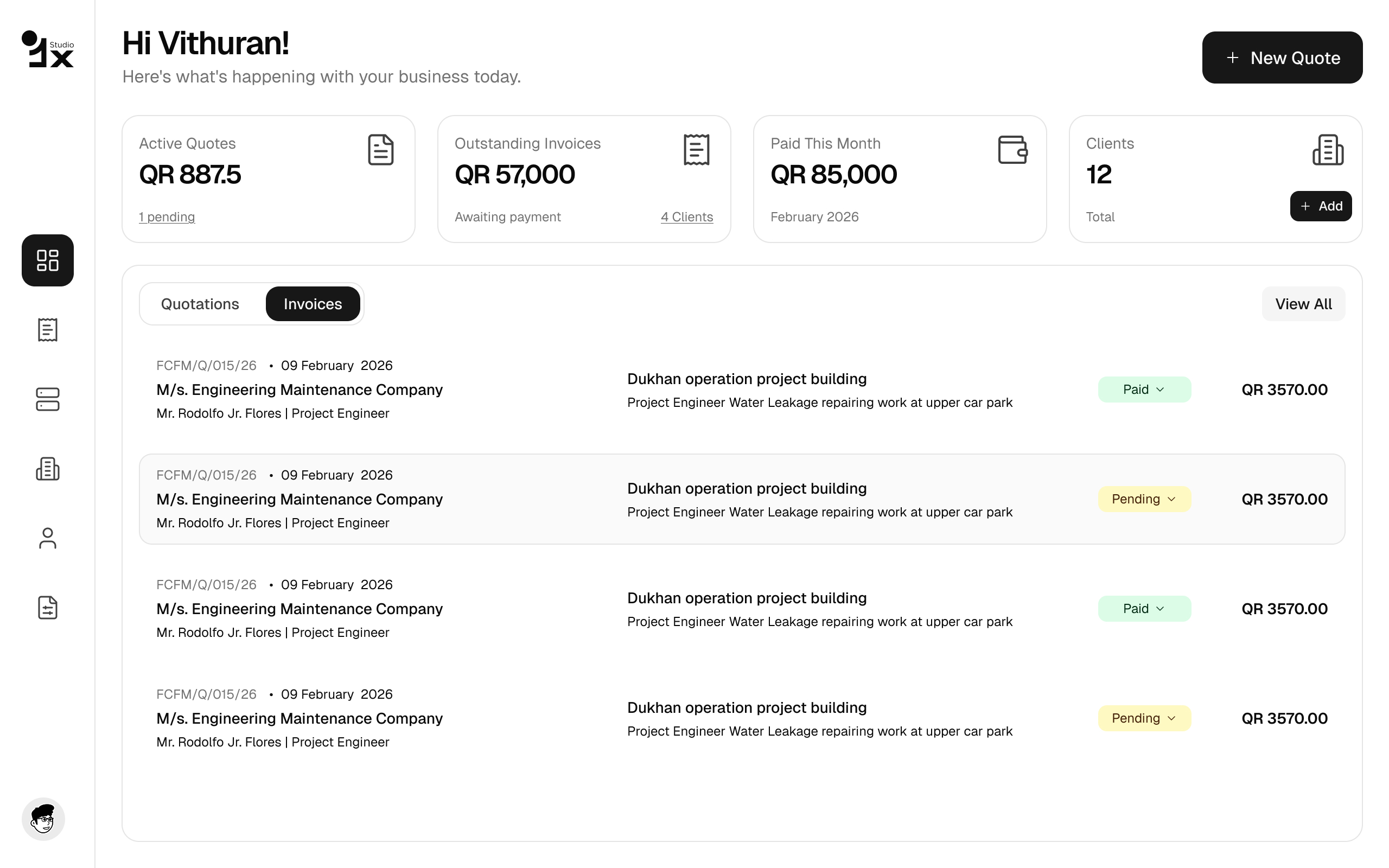
The main hub where users manage all their quotes. Clean card layout with status badges — sent, viewed, accepted — so nothing falls through the cracks.
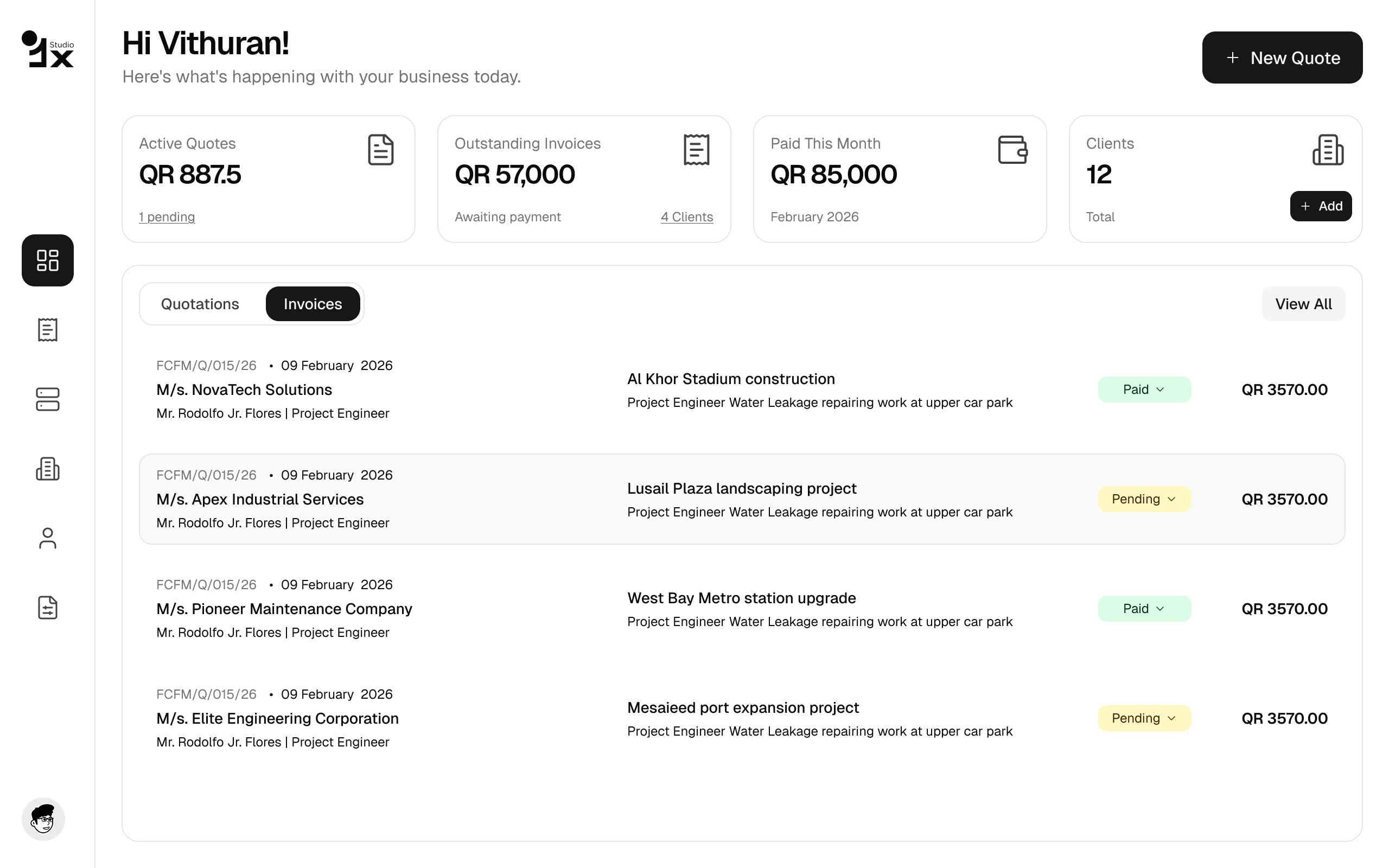
Full dark mode support for users who prefer it. Same information density, same hierarchy — just easier on the eyes for late-night quoting sessions.
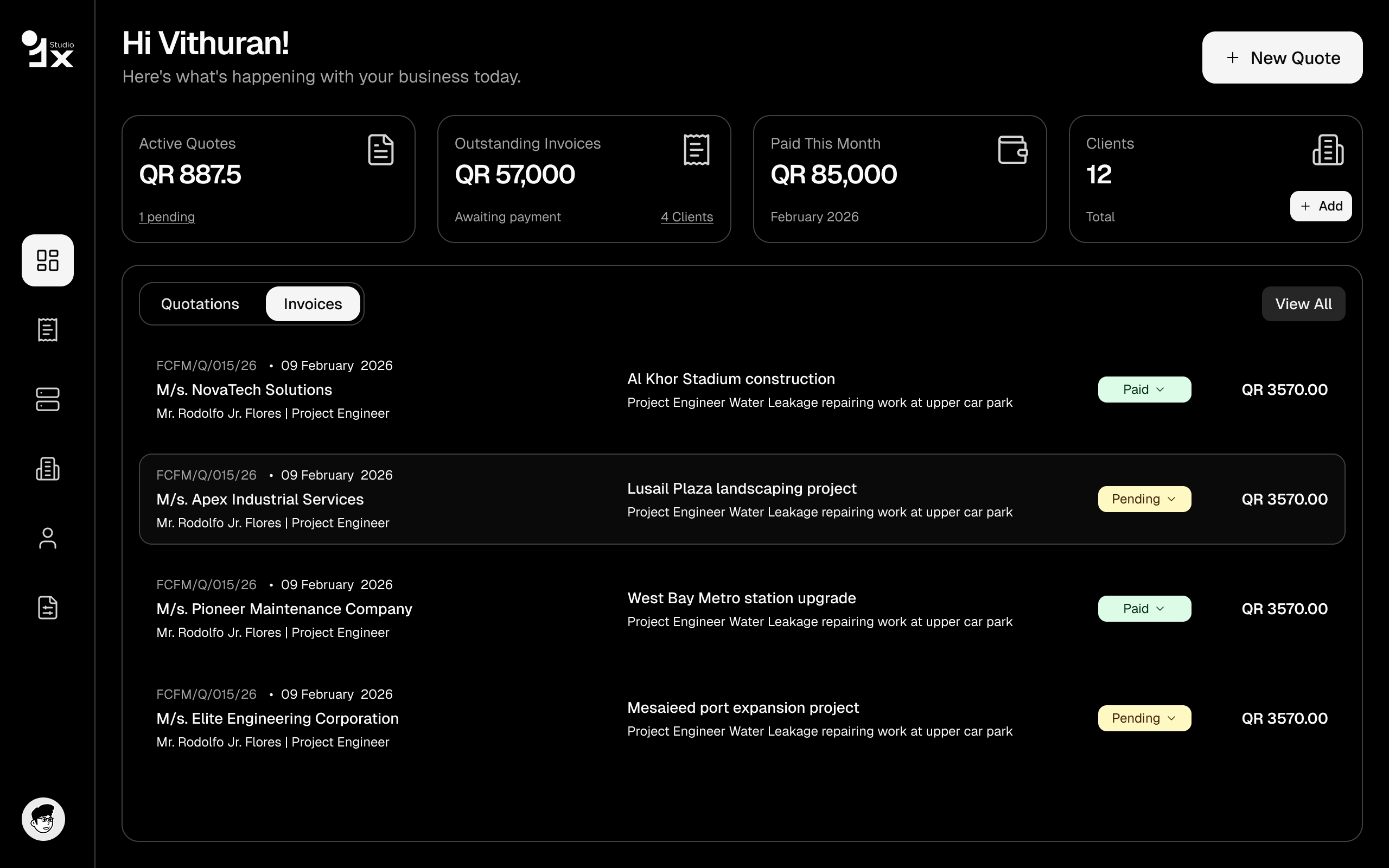
Brand it and own it. Upload a logo, set your brand colour, add your business details. Every quote that goes out looks like it came from a proper agency.
Add line items, set prices, write notes, apply taxes — all in one screen. No tabs, no modal gymnastics. Fill it in, preview it, send it. Done in under 5 minutes.